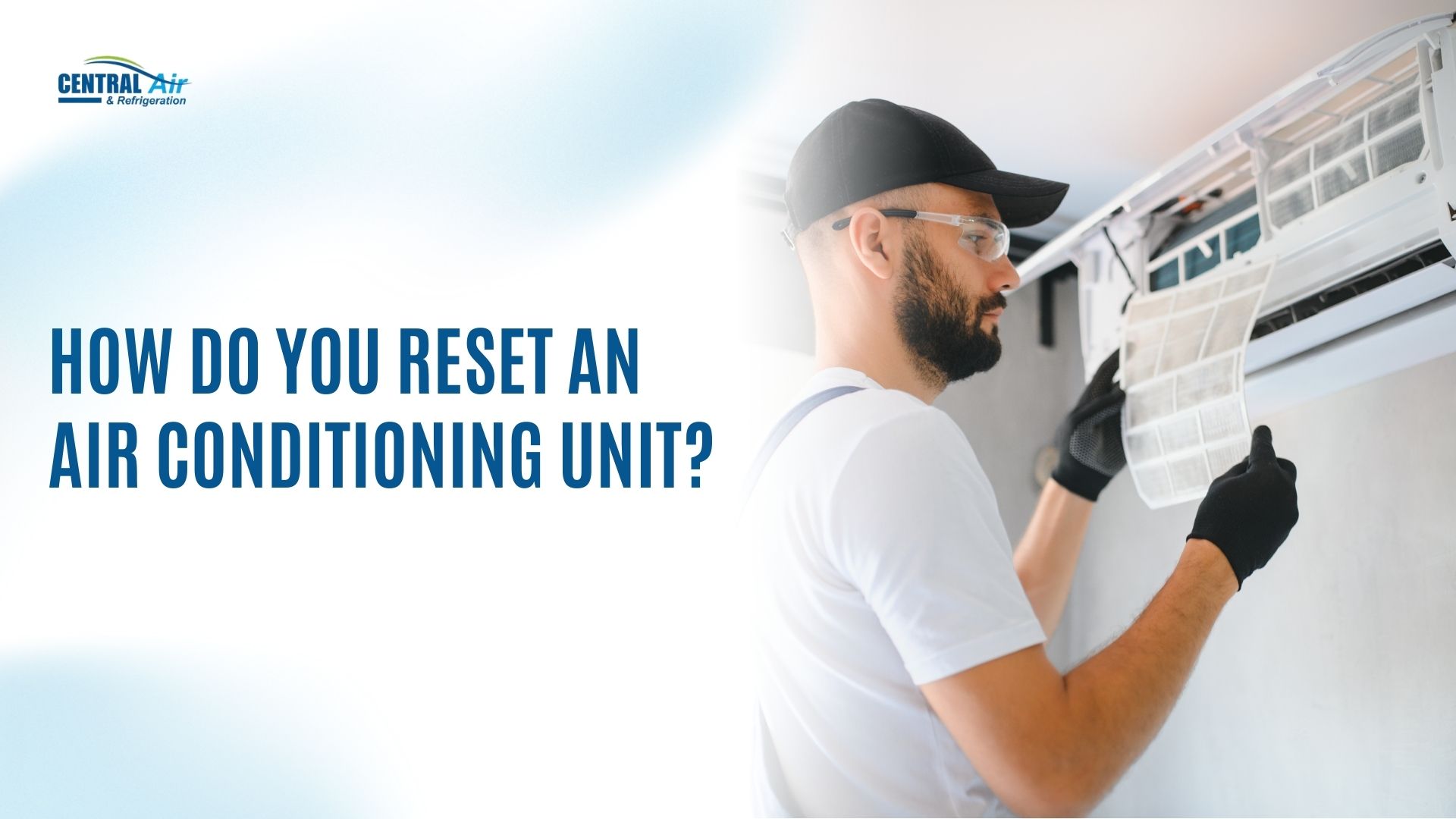
Is your air conditioning unit not cooling properly, and you’re unsure how to reset it? Many people overlook the simple fix of resetting their AC, but it’s often the first thing you should try. Surprisingly, a quick reset can solve many common issues, but if that doesn’t do the trick, it might point to a bigger problem.
In Bryan and College Station, Texas, where the summer heat can be relentless, knowing how to reset your AC can save you time, money, and frustration. Let’s dive into the easy steps to reset your air conditioning unit and get it back to working properly.
Key Takeaways
Resetting your AC unit can resolve common issues like power surges, thermostat malfunctions, or tripped circuit breakers, saving time and money before contacting a professional.
Step-by-step guide for resetting your AC includes turning off the thermostat, locating the circuit breaker, unplugging the unit, waiting for 10–15 minutes, and inspecting filters and coils.
Portable and window ACs can be reset by using the reset button on the unit or unplugging them for a few seconds to restart the system.
Common AC issues like frozen coils, clogged filters, or refrigerant leaks may require professional help if resetting does not resolve the problem.
For ongoing AC problems, Central Air & Refrigeration offers reliable, fast HVAC services in Bryan and College Station, Texas, so that your system runs smoothly.
Why You Might Need to Reset Your Air Conditioning Unit?
Your air conditioning unit may stop working properly for a variety of reasons. While it’s possible that the equipment is malfunctioning or needs professional repair, a simple reset can often solve common issues. If your AC unit is unresponsive or not cooling as expected, resetting it is a quick and effective first step before seeking professional help.
Here’s why you might need to reset your AC unit:
Power Surge or Outage: Power surges or outages can disrupt your AC unit’s operation, causing it to freeze or become unresponsive. Resetting the unit helps restore the connection to power and resets internal components.
Thermostat Malfunction: If your thermostat isn’t properly communicating with the AC unit, resetting both can help recalibrate the settings. This can resolve issues like incorrect temperature readings or the AC unit not responding to commands.
Tripped Circuit Breaker: If the circuit breaker trips due to an overload or fault, the AC might stop functioning.
Frozen System or Coils: In certain cases, if the AC is left running without proper airflow (due to a clogged filter or dirty coils), it may freeze up. Resetting the unit after fixing the airflow problem can help the system unfreeze.
System Overload or Error: The AC unit might go into error mode due to overworking or exceeding its limits. Resetting it can allow the system to clear any temporary errors.
Before you panic and call a technician, let's walk through what you can actually do yourself. The good news is that most resets follow an easy process with no special tools or technical knowledge required.
Step-by-Step Guide to Resetting Your Air Conditioning Unit
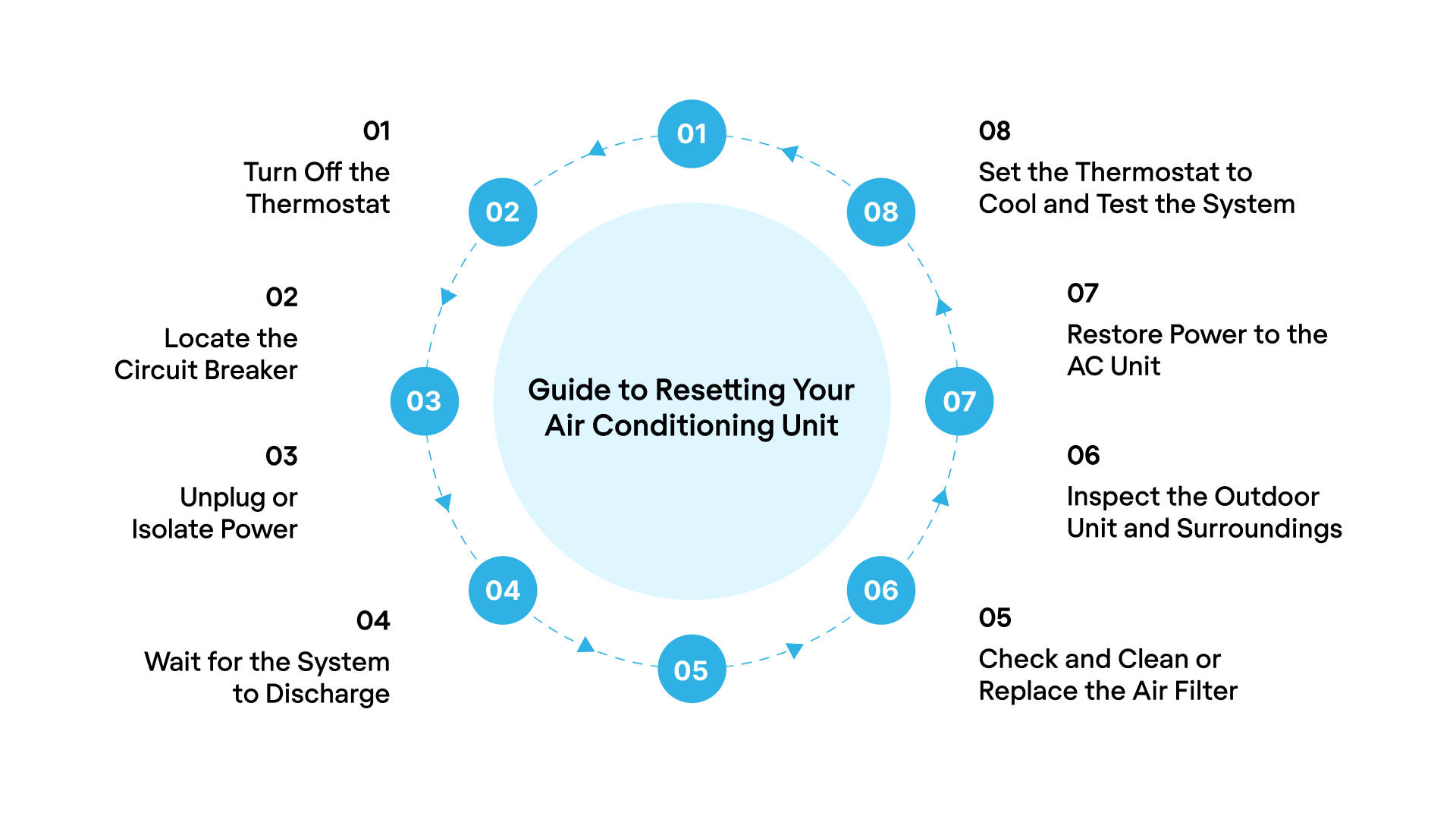
If your air conditioning unit isn’t working, these simple steps can often fix the issue before calling a professional. They’re easy to do and may save you time and money. If the problem persists, then it’s time to reach out for expert help.
Step 1: Turn Off the Thermostat
Set the thermostat to "off" to stop sending signals to the AC unit while performing the reset. This helps prevent any confusion or unnecessary activity while resetting.
Step 2. Locate the Circuit Breaker or Power Switch
Next, locate the circuit breaker or power switch that supplies power to your AC unit. This will allow you to completely cut off power from the system, which is essential for a proper reset.
Step 3. Unplug or Isolate Power (Optional for Window/Portable Units)
For window or portable AC units, unplug the unit from the electrical outlet. For central units, turning off the power at the breaker is sufficient.
Step 4. Wait for the System to Discharge
Wait for 5–10 minutes to allow internal components to reset and discharge any built-up electricity. This helps the system reboot properly.
Step 5. Check and Clean or Replace the Air Filter
Check the air filter for dirt or debris. To do this, follow these steps
Open the panel to access the air filter (usually located near the return air vent or the intake section).
Remove the filter.
If the filter looks clogged with dust or dirt, vacuum it gently or wash it with water if it’s washable. If it’s too dirty or damaged, replace it with a new one.
Slide the cleaned or new filter back into place and close the panel.
Step 6. Inspect the Outdoor Unit and Surroundings
Check the outdoor unit for any blockages or debris, like leaves or branches. Clear the area around the unit to allow proper airflow.
Step 7. Restore Power to the AC Unit
Return to the circuit breaker or power switch and restore power to the unit by turning the breaker back on or switching the power back on.
Step 8. Set the Thermostat to Cool and Test the System
Set the thermostat to cool mode and adjust it to the desired temperature. Test the system to see if the AC begins cooling properly.
If your AC still isn’t working after performing the reset steps, it may indicate a more complex issue that requires professional attention. At this point, contacting a local expert like Central Air & Refrigeration serving across Bryan and College Station, Texas, team can diagnose and repair problems so that your home stays comfortable during the hottest Texas days.
How to Reset Your Portable and Window AC Units
Resetting your AC unit is easier than it seems, even for older models. Most units feature a reset button or a simple process you can follow to restore functionality.
Reset Portable AC Units
For portable AC units, the reset button is typically located on the lower edge of the external unit, near the ground. On some models, you may need to remove the service panel with tools to access the button. The reset button is usually red or yellow, clearly labelled with “reset.”
Reset Window AC Units
Window AC units usually have the reset button on the control panel or near where the power cord connects to the unit. If there is no visible reset button, try unplugging the unit for a few seconds, then plug it back in. If issues persist, consider upgrading to an air-source heat pump for improved cooling and heating performance.
Sometimes a reset simply isn't enough. If you've followed all the steps and your AC is still silent, something deeper is at play. These aren't issues a simple reset can solve.
What Could Be the Other Reasons Your AC Is Still Not Working?
If resetting your AC doesn’t solve the problem, there could be multiple underlying causes that affect its performance. While some issues are easy to fix, others might require professional help to ensure your system is running properly. Here are some common reasons your AC may still be malfunctioning:
Clogged filters could be restricting the airflow.
The frozen evaporator coil is disrupting cooling.
Faulty thermostat or sensor issues might be preventing proper temperature detection.
A refrigerant leak reduces cooling efficiency.
Electrical issues like tripped breakers or disconnected wiring.
Dirty condenser coils are hindering heat exchange.
Drain line blockages cause water buildup and malfunctions.
Regular maintenance can prevent these issues, but troubleshooting with an HVAC professional may be necessary for more complex problems.
Central Air & Refrigeration: Your Local HVAC Experts
Central Air & Refrigeration is a locally-operated HVAC and refrigeration contractor serving Bryan and College Station, Texas. With a focus on providing fast and reliable services, we help both residential and commercial customers with air conditioning services.
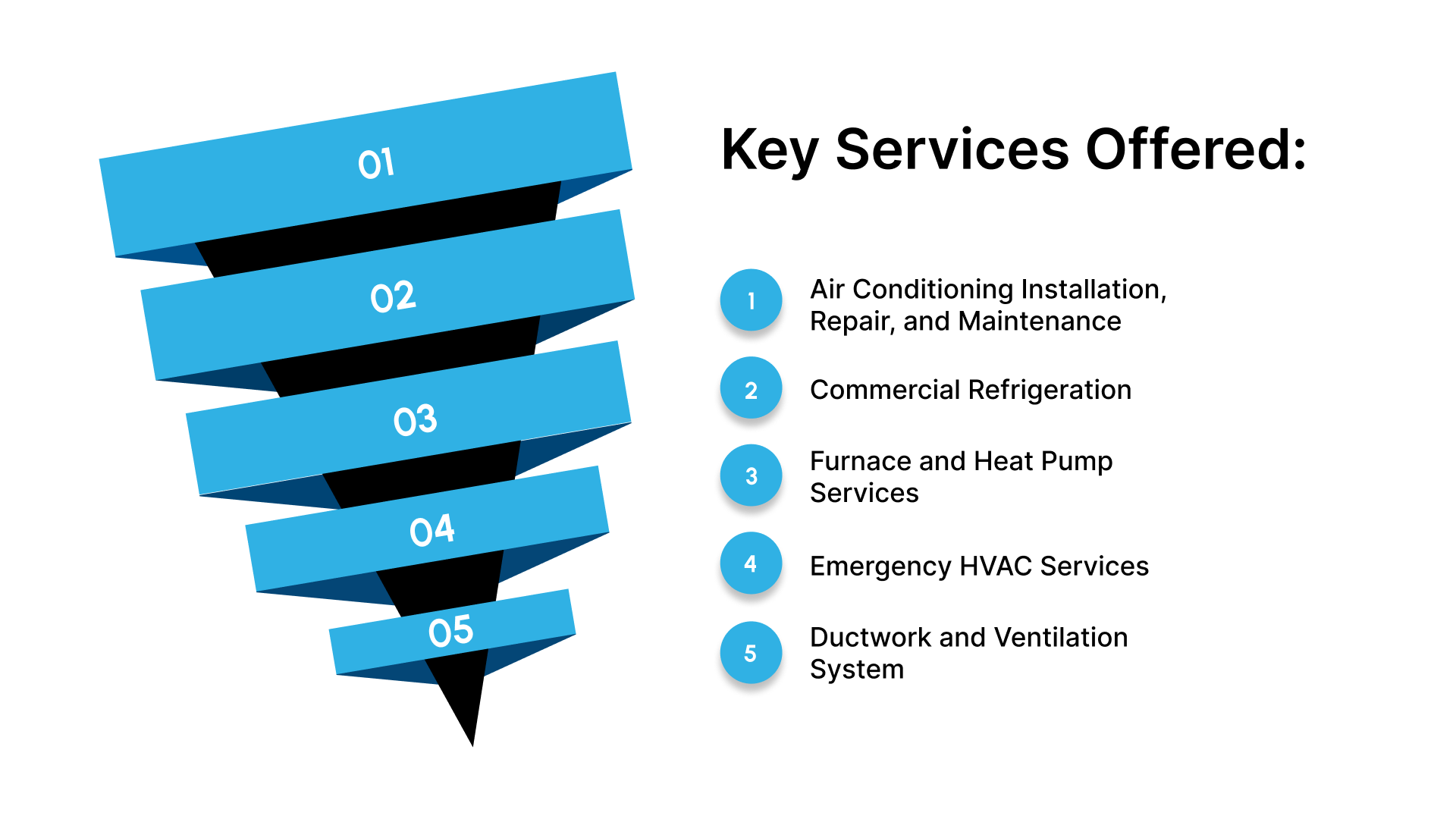
Key Services Offered:
Air Conditioning Installation, Repair, and Maintenance for residential and commercial properties.
Commercial Refrigeration, We specialize in the installation, maintenance, and repair of walk-in coolers, freezers, and refrigerated display cases, thus keeping your products at the optimal temperature and reducing energy costs.
Furnace and Heat Pump Services, including installation and seasonal tune-ups to ensure efficient performance during cold weather.
Emergency HVAC Services, offering quick response times, whether it’s a refrigerant leak, faulty thermostat, or electrical failure, we’re ready to handle the problem and get your system running smoothly again.
Ductwork and Ventilation System, improving airflow and indoor air quality for commercial spaces.
Conclusion
Knowing how to reset your air conditioning unit can save time and money by fixing common issues quickly. Whether it’s a simple reset or a more complex problem, following the steps outlined in this guide helps troubleshoot AC issues. For persistent problems or complex repairs, it’s always best to contact a local expert.
Central Air & Refrigeration is your go-to partner for fast and reliable HVAC services in Bryan and College Station. From air conditioning installations to emergency repairs, their team makes sure your systems are functioning properly throughout the year.
Contact us today to schedule an AC inspection or repair, and keep your home comfortable all year long!
FAQs
How long to leave the AC unit off to reset?
To reset your AC unit, turn it off and leave it for about 5–10 minutes. This allows the system to discharge any residual power, ensuring a fresh restart when you turn it back on.
Do all AC units have a reset button?
Not all AC units have a reset button. Some models feature a reset button located on the external unit or power panel, while others may require you to unplug the unit or switch off the circuit breaker to reset.
What is the 3-minute rule for AC?
The 3-minute rule is a safety precaution. After switching off your AC unit, wait at least 3 minutes before turning it back on to prevent compressor damage due to rapid cycling, which can affect its performance and lifespan.
Why is my AC set to 72 but reads 78?
If your AC is set to 72 but reads 78, the issue could be a thermostat malfunction, a dirty filter causing restricted airflow, or sensor misalignment that affects the temperature reading.
What is the most expensive part of an AC unit to replace?
The most expensive part of an AC unit to replace is typically the compressor. It is crucial for the unit's cooling process and can be costly to repair or replace, especially in central air conditioning systems.